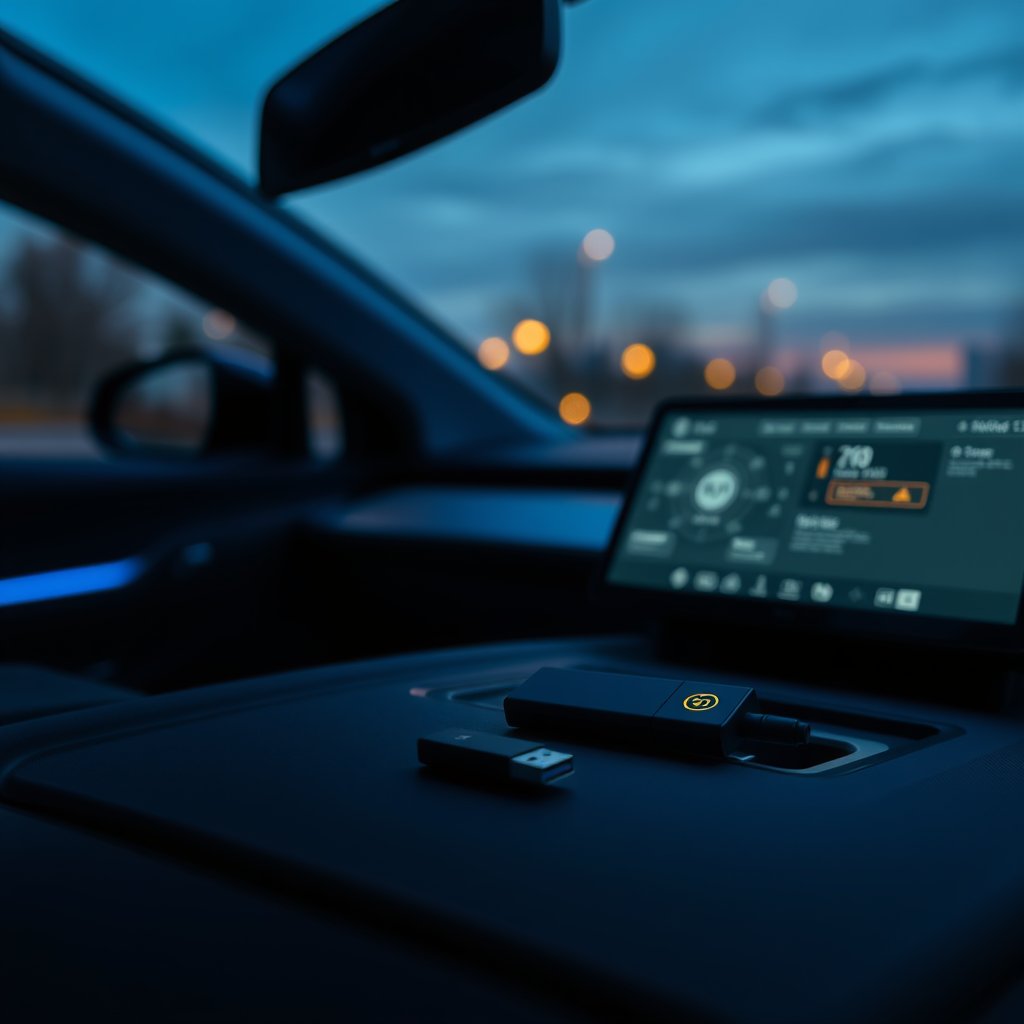
Your Sentry Mode footage is no longer readable by anyone but your car. Tesla has been rolling out Dashcam Clip Encryption across its fleet, a feature that scrambles every Sentry Mode and Dashcam recording written to your USB drive so only your specific vehicle can decrypt and play it back. If someone pulls the drive out of your glovebox, the clips are useless to them.
The feature first appeared in the 2026.20 software branch in early June, and it continues to reach more owners with the current update, 2026.21.300, released August 10, 2026. This is the widening rollout owners are seeing land on their cars right now, not a brand-new debut. If you rely on Sentry Mode to catch parking-lot dings or hit-and-runs, the way you choose and use your storage drive just changed. Here is what encryption does, how to view your clips, and the drives worth trusting now that your footage is locked to the car.
What Dashcam Clip Encryption Actually Does
Every clip your Tesla saves to the USB drive is now encrypted at the moment it is written. That covers both Dashcam captures and the Sentry Mode events that record while the car is parked and unattended. The encryption key lives with your vehicle, which means the raw files sitting on the drive cannot be opened by dropping the stick into a laptop and browsing the folders like before.
According to Tesla's rollout notes covered by NotATeslaApp, the goal is straightforward: protect owner privacy so a stolen or removed drive does not hand your footage to a stranger. The trade-off is that you can no longer scrub through clips on any random computer. Playback now runs through Tesla's own tools.
This is a meaningful shift for anyone who treated the Sentry drive as a casual, swappable accessory. The drive is now bound tightly to your car's ecosystem, and that raises the stakes on picking hardware that will not corrupt, drop frames, or fail under the constant write load Sentry Mode generates.
How to View and Decrypt Your Clips
There are two supported ways to watch encrypted footage, and both are simple once you know where to look.
In the car. Open the Dashcam app on your Tesla's touchscreen. Encrypted clips show a small padlock icon. Tap the padlock and your vehicle decrypts the clip on the spot so you can review it right there on the center display. Because your car holds the key, no extra sign-in dance is required inside the vehicle.
On the web. For clips you want to save, share with police, or send to insurance, Tesla provides a browser tool at dashcam.tesla.com. You sign in with your Tesla account, and the web tool handles decryption so you can download a viewable copy. This is the path most owners will use when a Sentry event catches something they need as evidence.
If you would rather not deal with encryption at all, the feature is optional. Go to Controls > Safety > Encrypt Dashcam Recordings and toggle it off. Turning it off restores the old behavior where clips play on any computer, but it also removes the privacy protection, so weigh that against your own situation. For most owners parking in public lots, leaving it on is the safer default.
Which Teslas Support It
Encryption requires the newer Ryzen-based infotainment computer, so it is limited to the more recent hardware across the lineup. Supported vehicles include the new Model S, Model 3, the new Model X, Model Y, and Cybertruck. Older Intel-based cars will not see the toggle. If you are unsure which computer your car has, the presence of the Encrypt Dashcam Recordings option under Safety is the tell.
Because the feature leans on the car's processor to encrypt on write and decrypt on demand, drive performance matters more than it used to. A slow or flaky drive that could limp along before may now stutter or drop events under the added overhead.
Why Your Drive Choice Matters More Now
The Sentry and Dashcam USB drive is the one hardware accessory almost every Tesla owner touches. It runs nearly constantly, writing loop recordings while you drive and standing guard while you are parked. That workload is brutal on cheap flash storage. Consumer thumb drives are built for occasional file transfers, not for the relentless write-erase cycles a dashcam demands, and they wear out fast.
Now that your footage is encrypted and effectively locked to your car, a corrupted drive is a bigger loss than before. You cannot easily recover half-written clips off a dying stick by plugging it into another machine. Reliability moves from nice-to-have to essential. That means favoring drives rated for sustained writes and high endurance over whatever promotional freebie is rattling around your drawer.
A quick disclosure before the picks: as an Amazon Associate we earn from qualifying purchases, at no extra cost to you. With that out of the way, here is what to look for.
The Best High-Endurance USB Drives for Sentry Mode
For owners who want a simple stick that lives in the glovebox port, a high-endurance USB flash drive is the sweet spot. These use flash rated for far more write cycles than standard drives and often carry heat-tolerant designs, which matters in a car that bakes in summer sun.
Look for USB 3.1 or faster, a capacity of at least 128GB so Sentry events are not overwritten too quickly, and an explicit endurance or dashcam rating from the manufacturer. A → Shop high endurance USB flash drive for dashcams on Amazon will hold up far longer than a generic drive under Sentry Mode's constant writing.
Capacity is a real decision. Sentry Mode can generate several gigabytes per parking session if the car detects repeated activity. A 128GB drive is a sensible floor, and 256GB gives you breathing room to catch a busy day in a crowded lot without the oldest clips rotating out before you review them.
If you also care about keeping your cabin tidy, our guide to the best Tesla screen protectors for 2026 pairs well with a clean glovebox setup, since both are about protecting the surfaces and ports you interact with daily.
Stepping Up to a Sentry Mode SSD
For heavy Sentry users, a small external SSD is the durability upgrade worth making. Solid-state drives handle sustained writes far better than flash sticks, run cooler, and are far less likely to corrupt clips mid-write. Many Tesla owners run a compact SSD tucked in the glovebox specifically to survive the Sentry workload over years rather than months.
Some drives are marketed directly at this use case. A purpose-built → Shop Tesla Sentry Mode SSD on Amazon will typically come pre-formatted and sized for the constant recording that Sentry demands, which saves you the setup fuss.
The main watch-out with an SSD is heat and cable slack in the glovebox. Pick a drive with a metal enclosure for better heat dissipation, and route the cable so the port door still closes cleanly. Since footage now decrypts through the car and the web tool, an SSD that never drops a frame is worth the modest premium over a thumb drive.
For owners thinking holistically about protecting their investment, the same care you put into storage pairs naturally with exterior defense. Our breakdown of PPF versus ceramic versus vinyl for Tesla paint covers the outside of the car while your Sentry drive guards the record of what happens to it.
USB Hubs and Glovebox Mounts
The glovebox USB port is the standard home for a Sentry drive, but it is a single port, and that gets cramped fast if you also want to charge devices or run other accessories. A powered USB hub designed for the Tesla glovebox lets you keep your storage drive permanently seated while freeing ports for phones, tablets, or a second drive.
A tidy → Shop Tesla USB hub for the glovebox on Amazon keeps cables from spilling out and the glovebox door closing properly. Look for hubs that mount flush and provide dedicated data throughput to the Sentry port so recording is never starved of bandwidth.
Mounting matters more than people expect. A drive rattling loose in the glovebox can momentarily lose contact during a bump, which is exactly when a Sentry event might be trying to write. A snug hub or mount keeps the connection solid.
A Note on microSD-Based Setups
Some owners prefer a microSD card in a small reader rather than a flash stick or SSD, especially for compact setups. If you go this route, do not use a generic card. Cards designed for continuous surveillance recording use high-endurance flash built for exactly this kind of nonstop writing.
A dedicated → Shop Samsung high endurance microSD card on Amazon is engineered for dashcam and surveillance duty, with write endurance ratings that dwarf standard cards. Pair it with a reliable low-profile reader that fits the glovebox port, and confirm your car reads and writes to it before trusting it for Sentry duty.
Setting Up Your New Drive
Whatever storage you choose, format it correctly before relying on it. Tesla expects an exFAT (or FAT32) formatted drive with a folder named TeslaCam at the root. Many purpose-built Sentry drives arrive pre-formatted, but it is worth confirming. Once the drive is seated and recognized, verify that the Dashcam icon appears on your touchscreen and that Sentry Mode is enabled in Controls > Safety.
After encryption is active, remember that browsing the drive on a computer will no longer show playable clips unless you disable the feature. Plan to review footage in the car or through dashcam.tesla.com. If you frequently pull clips for insurance or documentation, bookmark the web tool now so you are not hunting for it during a stressful moment.
Owners who like to kit out their interiors can round out a Sentry setup alongside comfort upgrades. Our roundup of the best Tesla seat covers for 2026 is a natural companion project for a weekend of dialing in the cabin.
Frequently Asked Questions
Do I have to use encryption? No. It is enabled by default on supported cars once the update lands, but you can turn it off under Controls > Safety > Encrypt Dashcam Recordings. Turning it off restores the old behavior where clips play on any computer, at the cost of the privacy protection.
Can I still watch clips on my computer? Only if encryption is disabled. With it on, encrypted clips will not play by simply browsing the drive. You decrypt them in the car by tapping the padlock icon in the Dashcam app, or through Tesla's web tool at dashcam.tesla.com.
Which cars get the feature? Vehicles with the Ryzen infotainment computer: the new Model S, Model 3, new Model X, Model Y, and Cybertruck. Older Intel-based cars do not get the toggle.
Does encryption slow down recording? The car handles encryption on write, which adds a small amount of overhead. A slow or worn drive is more likely to stutter under that load, which is exactly why a high-endurance drive or SSD is the safer choice now.
How big should my Sentry drive be? At least 128GB is a sensible floor. Sentry Mode can generate several gigabytes in a single busy parking session, so 256GB gives you more room before older clips rotate out and you lose the chance to review them.
Encryption is a genuine privacy win, and it quietly promotes the humble Sentry drive from an afterthought to a component worth choosing carefully. Pick a drive built for sustained writes, seat it securely, and bookmark the web tool, and your footage will be both protected and there when you need it.
Some links on this page are affiliate links. We may earn a small commission if you purchase through them, at no extra cost to you.
As an Amazon Associate we earn from qualifying purchases. This article contains affiliate links; if you buy through them we may earn a small commission at no additional cost to you.