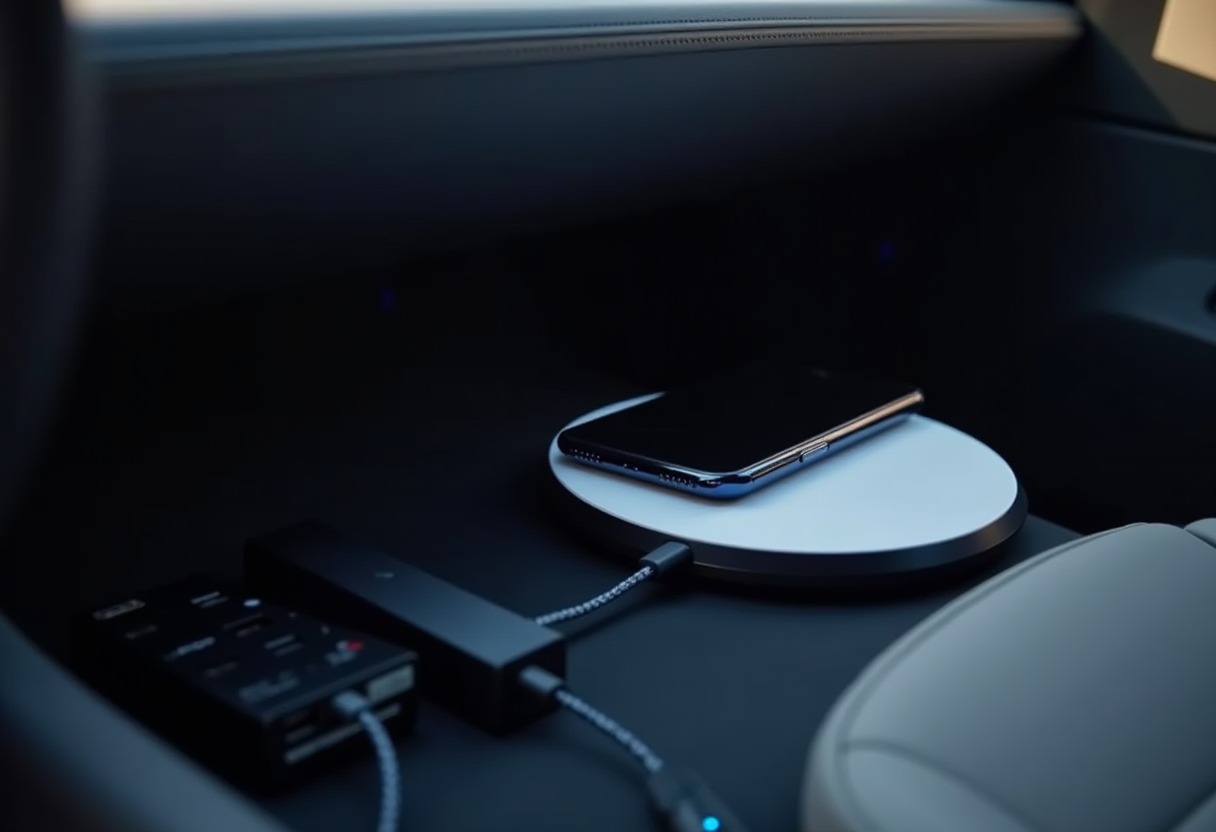
Tesla's built-in phone charging pad heats up your device, charges inconsistently, and occupies the only convenient phone storage spot in your center console. After testing dozens of aftermarket solutions across three Model 3s and two Model Ys, the real winners solve multiple problems: reliable charging, better phone placement, and organized cable routing.
Why Tesla's OEM Phone Charging Falls Short
Tesla's factory wireless charging pad generates excessive heat during charging cycles, particularly with phones using cases thicker than 3mm. The Tesla support documentation acknowledges heating issues and recommends removing cases for optimal performance — hardly practical for daily use.
The positioning creates another problem. Your phone slides around during acceleration and hard cornering, breaking the charging connection. Tesla's own design team acknowledged this limitation by repositioning the charging pad in 2021 Model 3 refresh vehicles, but the fundamental heating and stability issues persist.
Power delivery maxes out at 15W through the USB-C ports, but the wireless pad typically delivers only 5-7.5W due to efficiency losses and thermal throttling. For phones with large batteries or heavy usage patterns, this barely maintains charge levels during navigation and music streaming.
Best Wireless Charging Solutions for Tesla
Quality aftermarket wireless chargers solve Tesla's heat and stability problems through better coil positioning, active cooling, and improved mounting systems. The most effective solutions integrate mounting and charging into a single unit rather than trying to improve Tesla's existing pad.
Magnetic wireless chargers designed for Tesla-specific mounting points deliver 15W consistently without the heat buildup that plagues the factory system. These units typically include adjustable viewing angles and work reliably with MagSafe-compatible cases up to 4mm thick.
Console-mounted wireless chargers that replace Tesla's entire phone storage area offer the best combination of charging reliability and phone security. These solutions typically feature → Shop Tesla wireless phone charger on Amazon rubberized surfaces to prevent sliding and built-in cooling fans to maintain optimal charging temperatures.
For owners prioritizing phone accessibility while driving, vent-mounted wireless chargers provide optimal viewing angles for navigation while maintaining reliable charging connection. The key specification to verify: minimum 10W power delivery with active foreign object detection to prevent overheating.
USB Hub Expansion and Power Distribution
Tesla's USB port arrangement forces compromises between phone charging, Best Dashcams For Tesla, and passenger device charging. Quality USB hubs solve the port scarcity while maintaining sufficient power delivery for multiple devices.
The most practical hub configurations provide four USB-A ports plus two USB-C ports, with dedicated high-power outputs for phone charging and dashcam operation. Hubs that draw power from Tesla's 12V outlet rather than splitting USB power maintain full charging speed across all connected devices.
| Feature | Basic USB Hub | Premium Tesla Hub | Tesla OEM Ports | |---------|---------------|-------------------|-----------------| | USB-A Ports | 4 | 6 | 2 | | USB-C Ports | 2 | 2 | 2 | | Power per Port | 2.4A max | 3.0A max | 3.0A max | | Dashcam Power | Shared | Dedicated 12V | Shared | | Cable Management | None | Built-in routing | None |
Look for hubs specifically designed for Tesla's center console dimensions. Generic automotive hubs rarely fit properly and often block other console functions. The → Shop Tesla USB hub splitter on Amazon best options include mounting brackets that secure the hub without requiring adhesive or permanent modification.
Power allocation matters more than port count. Hubs that provide dedicated high-amperage outputs for phones and dashcams prevent the charging slowdowns common with port-sharing designs. Verify the hub supports simultaneous 3A output on at least two ports for reliable phone and dashcam operation.
Cable Management Systems That Actually Stay Put
Tesla's minimalist interior design leaves cable routing entirely to the owner, resulting in tangled charging cables that interfere with driving controls and passenger comfort. Effective cable management requires multiple mounting points and flexible routing options.
Adhesive cable clips work temporarily but fail within months due to Tesla's interior temperature fluctuations and cleaning product exposure. Mechanical clips that secure to existing panel gaps and trim pieces provide permanent solutions without modification risk.
The most comprehensive approach combines under-console cable channels with discrete mounting points for active cable runs. → Shop Tesla cable management clips on Amazon Systems designed specifically for Tesla interior dimensions route cables from the center console to door pockets, rear passenger areas, and dashcam mounting points without visible cable runs.
For owners installing multiple accessories, integrated cable management becomes essential. Consider solutions that accommodate power cables for Best Tesla Center Console Organizers 2026, dashcam power feeds, and passenger device charging without creating bundle points that interfere with console operation.
Top Phone Charging Product Recommendations
Console Replacement Wireless Chargers: Units that completely replace Tesla's phone storage area offer the most reliable charging with integrated cooling and anti-slip surfaces. These typically require 30-minute installation and maintain all original console functionality.
Magnetic Vent Mount Chargers: → Shop Tesla phone mount wireless on Amazon For owners who prefer dashboard-mounted phones, magnetic wireless chargers that clip to Tesla's air vents provide 15W charging with optimal viewing angles. Verify compatibility with your phone's magnetic case system.
Multi-Device Charging Hubs: Premium hubs that combine wireless phone charging with multiple USB outputs solve both charging and port expansion in one unit. These integrate best with Best Tesla Model 3 Accessories and Best Tesla Model Y Accessories 2026 installations.
Cable Management Kits: Comprehensive systems that include multiple clip types, routing channels, and device-specific mounts. Quality kits accommodate current needs while providing expansion capacity for future accessory installations.
Powered USB Expansion: → Shop Tesla charging pad model 3 on Amazon High-amperage hubs that draw power from Tesla's 12V outlet rather than splitting existing USB power maintain full charging speeds across all connected devices.
Advanced Installation and Optimization Tips
Most Tesla phone charging installations fail due to inadequate power management or poor cable routing. Before installing any charging solution, measure your phone's charging draw with your typical case and accessories. Phones drawing more than 18W during fast charging may overwhelm basic wireless charging systems.
Temperature management becomes critical in Tesla's glass-heavy cabin design. Wireless chargers positioned in direct sunlight or near heating vents will thermal-throttle and reduce charging efficiency. The optimal mounting location balances accessibility, charging reliability, and heat exposure.
For owners installing comprehensive accessory suites, coordinate power draws across all devices. Running a dashcam, phone charger, and passenger device charging simultaneously can exceed Tesla's USB power budget and cause charging interruptions. Quality hub systems with dedicated 12V power input solve this limitation.
Cable routing should anticipate seasonal changes in Tesla's interior materials. Cables that route properly in winter temperatures may create slack or tension issues during summer heat expansion. Use routing clips with adjustment range rather than fixed-position solutions.
FAQ
What's the maximum wireless charging speed I can get in a Tesla Model 3 or Model Y? Tesla's USB-C ports provide up to 27W power delivery, but wireless charging efficiency typically limits real-world delivery to 15W maximum. The best aftermarket wireless chargers achieve consistent 15W output with proper cooling, compared to Tesla's OEM pad which typically delivers 5-7.5W due to heat throttling. Your phone's wireless charging capability also matters — older devices max out at 10W regardless of charger specifications.
Why does my phone get so hot when charging on Tesla's built-in wireless pad? Tesla's factory wireless charging pad lacks active cooling and positions charging coils too close to the phone's heat-generating components. The enclosed center console design traps heat, creating a thermal buildup that triggers both the phone's and charger's safety systems to reduce power delivery. Aftermarket solutions with built-in fans or better heat dissipation materials maintain lower operating temperatures and more consistent charging speeds.
Can I use any USB hub with my Tesla, or do I need Tesla-specific models? Generic USB hubs work functionally but rarely fit Tesla's center console dimensions properly and may not provide adequate power distribution for multiple high-draw devices. Tesla-specific hubs account for the console's exact dimensions, cable routing requirements, and power management needs. They also typically include mounting systems that secure the hub without requiring adhesive or blocking other console functions like wireless charging or storage compartments.
How do I prevent charging cables from getting tangled in my Tesla's minimalist interior? Effective cable management requires multiple anchor points and flexible routing rather than trying to hide cables completely. Use mechanical clips that attach to existing panel gaps rather than adhesive solutions that fail in temperature extremes. Route cables along existing interior lines and behind trim pieces where possible. The key is creating dedicated paths for different cable types — power, data, and charging — rather than bundling everything together.
What should I consider when choosing between vent-mounted and console-mounted phone chargers? Vent-mounted chargers provide better phone visibility for navigation and easier one-handed access, but they can obstruct airflow and may not work with all phone sizes or cases. Console-mounted solutions offer more secure phone retention and typically provide faster charging speeds, but require reaching down to access your phone. Consider your primary phone usage patterns: if you frequently interact with navigation or calls while driving, vent mounting wins; if you mainly want reliable charging with occasional phone access, console mounting is more practical.
Choose charging solutions that solve multiple problems rather than creating new ones — your Tesla's interior should work better with accessories, not become more complicated.
Some links on this page are affiliate links. We may earn a small commission if you purchase through them, at no extra cost to you.
As an Amazon Associate we earn from qualifying purchases. This article contains affiliate links; if you buy through them we may earn a small commission at no additional cost to you.